
Supabase RLS Not Working: Why Your Policy Fails and How to Fix It
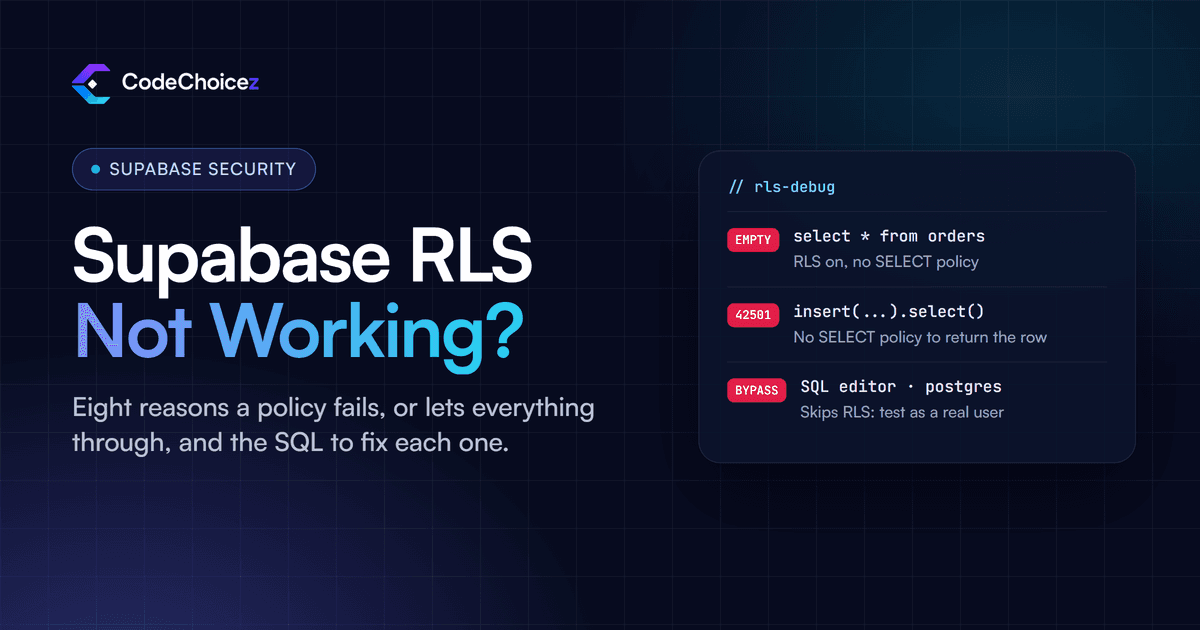
When Supabase RLS is not working, the policy itself is often fine and something around it is not. You are testing in the SQL editor, which skips RLS. The request is not signed in, so auth.uid() is null. An update, or an insert followed by .select(), has no matching SELECT policy. Or a service key is bypassing every rule. Find your symptom in the table below, then jump to the cause. Every fix comes with the SQL, and the last section shows how to test a policy as a real user, so you know it works rather than hope it does.
First: which symptom do you have?
| What you see | Likely causes |
|---|---|
| Queries return an empty list, with no error | 1, 5, 6 |
| Insert or update fails with "new row violates row-level security policy" | 1, 3, 7 |
| Update reports success, but nothing changed | 3 |
| Works in the SQL editor, not in the app | 2, 5 |
| Every user can see every row | 4, 8 |
The 8 causes
1. RLS is on, but there is no policy for that action
Your select comes back empty, or your insert fails with error 42501. Once RLS is enabled, Postgres denies everything that no policy allows; its documentation calls this "default deny". Supabase's guide puts it plainly: after you enable RLS, no data is accessible through the API with a publishable key until you create policies. A SELECT policy does not cover inserts, and an INSERT policy does not cover updates. Fix: write a policy for each action the app performs on that table:
create policy "Users read their own orders"
on public.orders for select
to authenticated
using ((select auth.uid()) = user_id);
2. You are testing in the SQL editor
The query works perfectly in the dashboard and returns nothing in the app. The SQL editor normally runs as the postgres role, which bypasses RLS, so a successful query there proves nothing about your users. Fix: test as the role your app uses. Use the role selector in the SQL editor, or run the query inside a transaction as a specific user, as shown in the testing section below.
3. UPDATE, and insert with .select(), also need a SELECT policy
Two surprises in one. First, an update can only touch rows the user is allowed to see: the Supabase guide warns that an UPDATE needs a matching SELECT policy, and without one the update quietly matches no rows, so your app reports success and nothing changes. Second, if you insert with .insert(...).select(), the client asks Postgres to return the new row, and Postgres only returns rows that pass your SELECT policies. If the new row fails them, Postgres throws an error rather than silently skipping it, so the insert you thought was allowed fails with "new row violates row-level security policy". Fix: add a SELECT policy that covers the rows the user writes, or drop the .select() if you do not need the row back.
4. Something is bypassing RLS
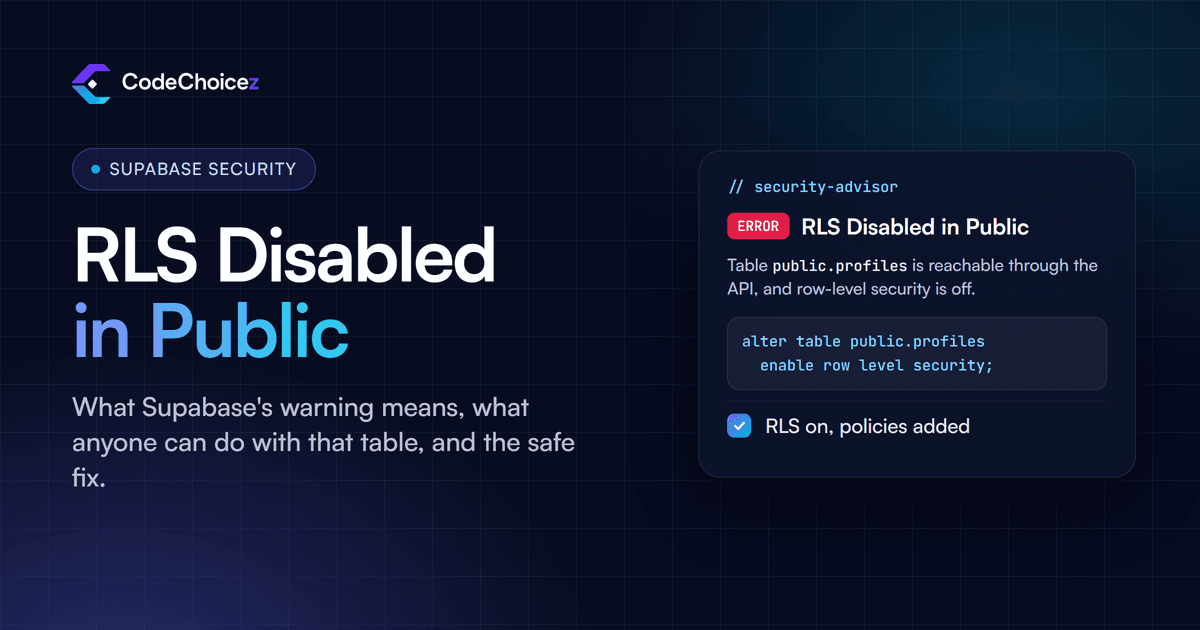
Every user sees everything, as if RLS were off. Check whether it is. If RLS is disabled on the table, nothing protects it, and Supabase's Security Advisor will say so. If RLS is on, look for something that skips it:
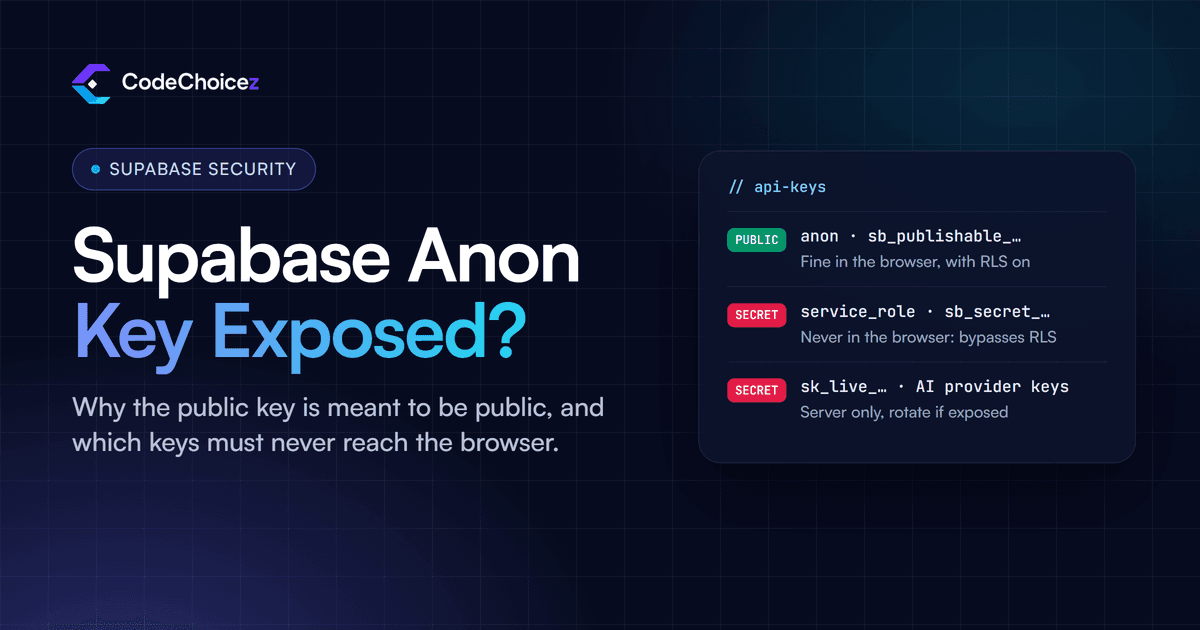
A service_role or secret key in the code that runs the query. Both bypass RLS by design and must never reach the browser.
A view. Views created by the
postgresuser ignore the policies of the tables underneath unless they are created withsecurity_invoker = true(Postgres 15 and later).A function marked
security definerthat reads the table and can be called through the API.
The reverse also happens: a server client created with the service key, but handed a signed-in user's session, follows that user's policies. Supabase notes this explicitly, and it explains many "it works locally but not on the server" reports.
5. auth.uid() is null: the request is not signed in
Your policy is auth.uid() = user_id and it never matches. When a request arrives without a valid access token, auth.uid() returns null, and in SQL null = user_id is never true. The usual reasons: a server-side Supabase client that does not read the user's session cookies, an edge function that creates its client without passing on the caller's Authorization header, or a session that expired. A policy written to authenticated does not apply at all to a request that runs as anon. Fix: make sure the request carries the user's token, and say what you mean in the policy, as Supabase recommends:
using (auth.uid() is not null and auth.uid() = user_id)6. The policy compares the wrong thing
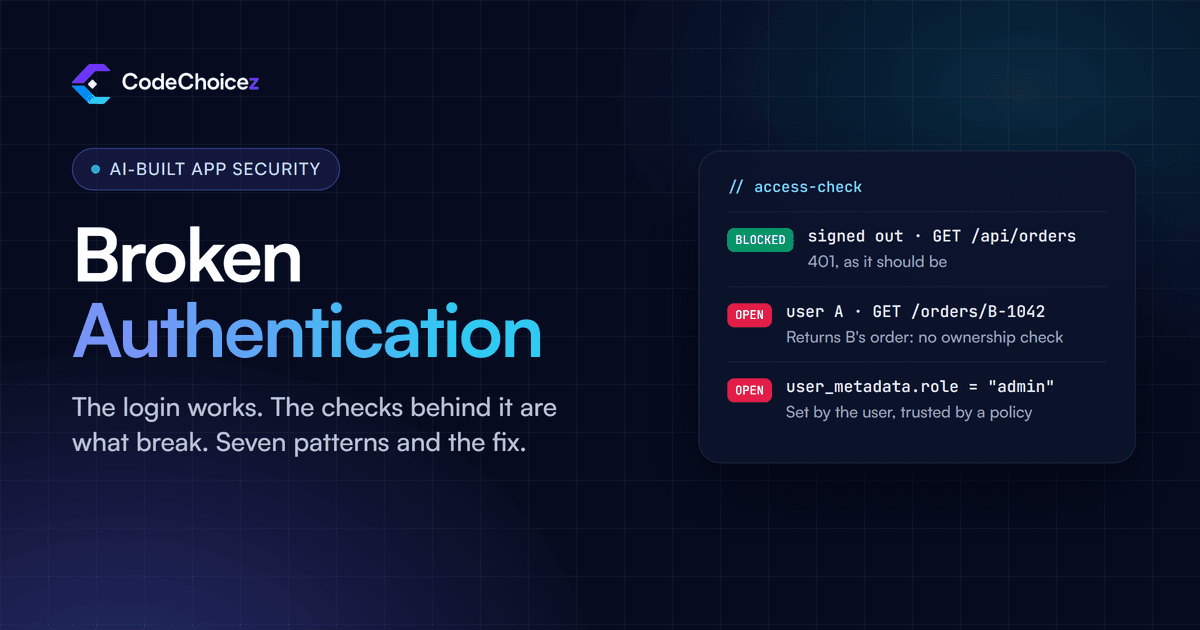
Everything looks right, and nothing matches. Common versions: the policy checks profiles.id when the owner is stored in a separate user_id column; the column holds an email address or a text copy of the ID; or the rows were created by a script or the dashboard and never had the owner set. Role-based policies have their own trap: claims read with auth.jwt() come from the token, which Supabase notes is not always fresh, so a user added to a team does not get access until their token refreshes. And never base a policy on user_metadata: users can change it themselves, which is the opposite problem, and one we cover in broken authentication in AI-generated code.
7. USING and WITH CHECK are mixed up
An insert fails although the user is creating their own row. USING filters the rows that already exist: it decides what a select, update or delete can see. WITH CHECK validates the row being written: it decides what an insert or update may save. An INSERT policy can only have WITH CHECK, and an UPDATE policy usually needs both, so a user cannot move their row to someone else. The other half of the problem is often in the app: if the insert does not set user_id, the check (select auth.uid()) = user_id fails. Set the column in the insert, or give it a default of auth.uid().
create policy "Users update their own orders"
on public.orders for update
to authenticated
using ((select auth.uid()) = user_id)
with check ((select auth.uid()) = user_id);
8. One loose policy overrides the careful ones
You wrote a strict policy, and users still see other people's rows. Postgres combines permissive policies with OR, so if any one of them lets a row through, the row is visible. A leftover using (true) from testing, or a broad "anyone can read" policy added to fix a bug, cancels every careful policy on that table. Fix: list every policy on the table and remove the ones you did not mean:
select policyname, cmd, roles, permissive, qual, with_check
from pg_policies
where schemaname = 'public' and tablename = 'orders';
For a condition that must always hold, whatever other policies say, create it as restrictive; restrictive policies are combined with AND.
When RLS works, but slowly
Policies run for every row a query touches, so on large tables they can make simple pages slow. Supabase's own benchmarks show large gains from two changes: wrap functions in a select, so (select auth.uid()) is worked out once per query instead of once per row, and index the columns your policies filter on, such as user_id. Adding to authenticated to policies also stops them running at all for signed-out requests.
How to test a policy as a real user
Run the query as the role and user your app uses, inside a transaction you roll back:
begin;
set local role authenticated;
set local request.jwt.claims to '{"sub": "USER-ID-HERE", "role": "authenticated"}';

select * from public.orders;  -- what this user can see

rollback;
Then test the way an attacker would: in the app, with two test accounts, try to read, update and delete each other's rows, and repeat the requests while signed out. A policy is only finished when the right user gets in and everyone else is refused. For bigger projects, Supabase supports automated database tests with pgTAP, so these checks run on every change.
When RLS is not the right tool
RLS is best at one question: may this user see or change this row? Rules that span several tables, depend on payment state, or call outside services are usually clearer in an edge function or server route that checks the user explicitly, with RLS kept underneath as the safety net. If a policy needs three joins and a comment to explain it, that logic probably belongs in code.
How we use RLS in production
On Run Courier, six role-based dashboards share one Supabase database, and row-level security keeps each role to its own data, so customers never see driver pay. On the Talent Acquisition platform, row-level security covers seven user roles.
Frequently asked questions
Why does my query work in the SQL editor but not in my app?
The SQL editor usually runs as the postgres role, which bypasses RLS. Your app runs as anon or as a signed-in user, so it only gets what your policies allow. Test with the role selector or the transaction shown above.
Why is my insert blocked by RLS?
Usually one of three things: there is no INSERT policy, its WITH CHECK fails because the insert does not set user_id, or you call .select() after the insert and there is no SELECT policy that covers the new row.
Do I need a SELECT policy to update?
Yes. An update can only reach rows the user can see, so without a SELECT policy it matches nothing and changes nothing, without an error.
What is the difference between USING and WITH CHECK?
USING decides which existing rows a query can see or act on. WITH CHECK decides whether a new or changed row may be saved. Inserts use WITH CHECK; updates normally use both.
Why can every user see every row when RLS is on?
Either something bypasses RLS, such as a service key, a view without security_invoker or a security definer function, or one permissive policy is too broad. Permissive policies are combined with OR, so one using (true) opens the table.
If you would rather have every table, policy and function checked in one go, we offer a full audit of your codebase, with a fix for every finding.
- supabase
- row level security
- RLS
- postgres
Built your app with AI? Have it checked.
We review apps built with Lovable, Base44, Bolt or Cursor the way an attacker would, and give you a fix for every finding.