
Supabase Anon Key Exposed? What It Means and When to Worry
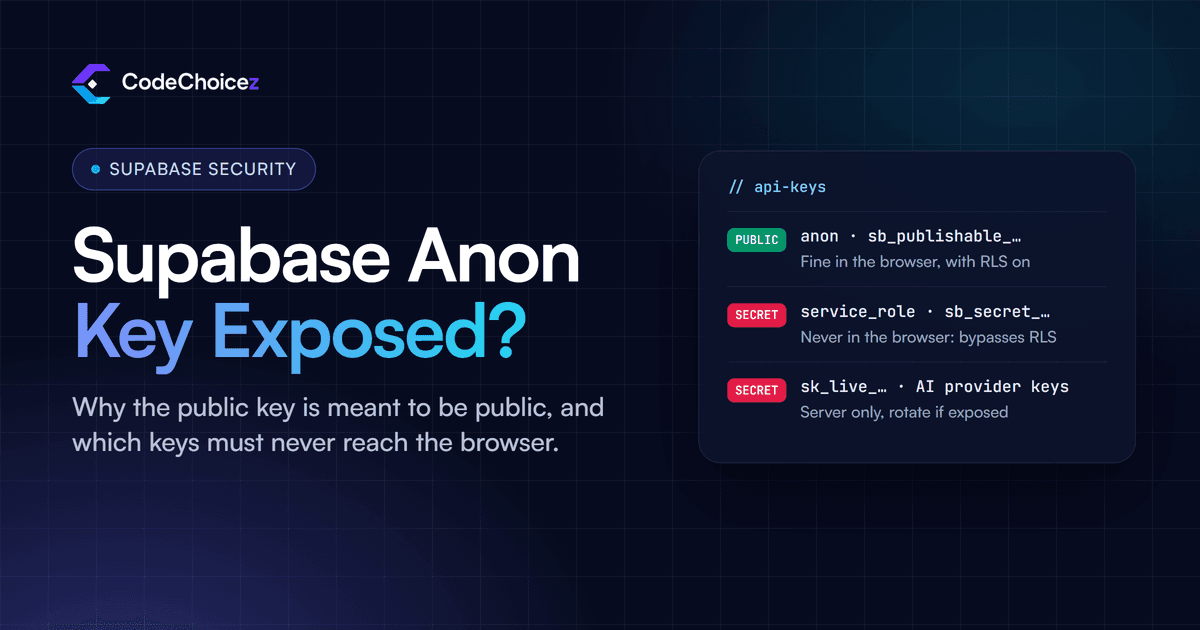
If the key you found in your app's code is the Supabase anon key (or the newer publishable key, which starts with sb_publishable_), that is normal: it is meant to be public. Every Supabase app that talks to the database from the browser ships it, and anyone can find it in the developer tools. It only becomes a problem when your tables are not protected by row-level security. The keys that must never be public are the service_role key and the newer secret key (sb_secret_); if one of those is in your front end or a public repository, treat it as a breach and rotate it today.
Why the anon key is public by design
Supabase lets your front end read and write the database directly, without a server of your own in between. To do that, the browser needs a key that says which project it is talking to. That key is the anon or publishable key, and on its own it grants only the lowest level of access: the same as a visitor who has not signed in. When a user signs in, their session token is sent as well, and the database treats them as that specific user.
What each of them can actually see is decided by your row-level security (RLS) policies, not by the key. That is the whole design: the key identifies the project, and row-level security is what actually protects the data. Firebase works the same way; Google's own documentation says that API keys for Firebase services are OK to include in code, because access is controlled by security rules.
That is also why hiding the key does not help. Putting it in an environment variable is good practice, but a variable your front end uses ends up in the JavaScript the browser downloads, whatever it is called.
The four Supabase keys, side by side
| Key | Safe in the browser? | What it can do |
|---|---|---|
anon (older projects): a long token starting eyJ | Yes, if RLS is on | Whatever your policies allow a signed-out visitor |
publishable: sb_publishable_... | Yes, if RLS is on | The same as the anon key |
service_role (older projects): a long token starting eyJ | Never | Everything: it bypasses RLS on every table |
secret: sb_secret_... | Never | Everything: it bypasses RLS on every table |
Supabase has added a safety net to the new secret keys: a request that uses one from a browser is refused. The older service_role key has no such protection, which is one more reason to move to the new keys.
The anon and service_role keys look alike, so check which one you are looking at. The Supabase dashboard labels them on the API Keys page of your project settings. If you only have the token, paste this into the browser console with the key between the quotes; it decodes the token locally, so the key goes nowhere:
JSON.parse(atob("PASTE_KEY_HERE".split(".")[1]
  .replace(/-/g, "+").replace(/_/g, "/"))).role
It prints "anon" or "service_role". Do not paste a key into an online decoder.
When an exposed anon key is a real problem
The anon key is only as safe as the rules behind it. It becomes dangerous when:
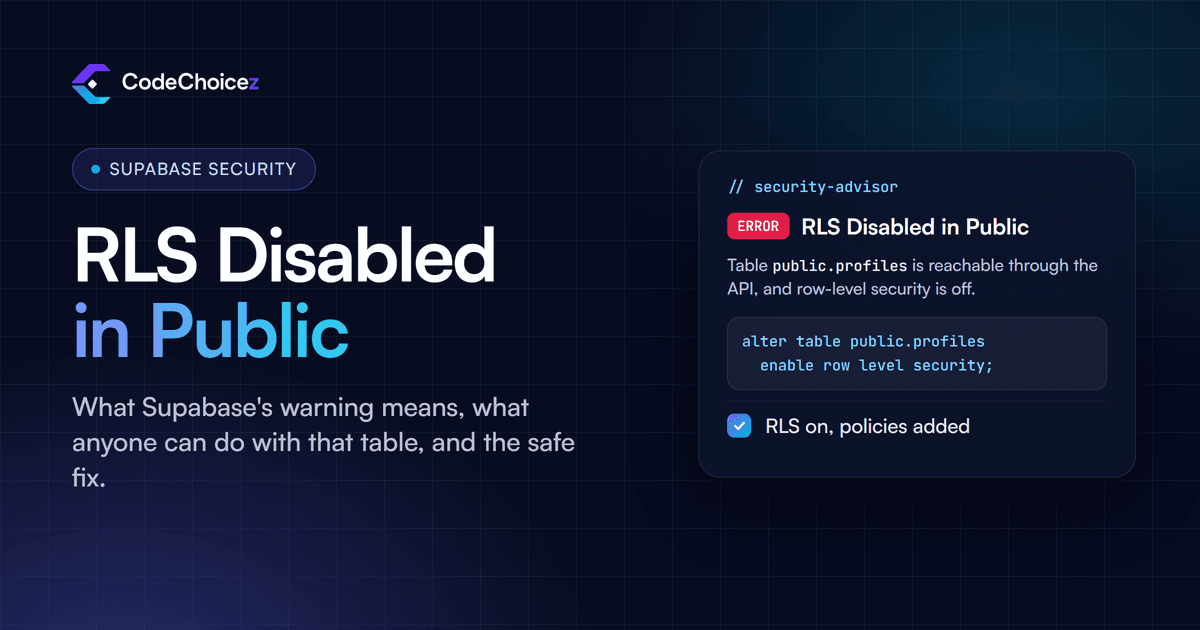
A table has RLS switched off. Anyone with the key can read and change every row; Supabase flags this as "RLS Disabled in Public".
A policy lets everything through, for example
using (true)on a table that holds private data.A view or database function skips your rules, such as a view created without
security_invoker, or a function markedsecurity definerthat anyone can call through the API.A storage bucket is public and holds files that should be private.
To test, sign out of your app and send the same requests it makes, using only the anon key. Anything that comes back is visible to everyone.
If your service_role or secret key was exposed
This one is serious. Anyone holding that key can read, change and delete everything in your database, whatever your policies say. Work through these steps straight away:
Make a new key and switch to it. Create a new secret key in the dashboard, put it everywhere your server code and edge functions use the old one, and confirm everything still works.
Retire the leaked key. Delete the old secret key. If the leak was a legacy
service_rolekey, move your front end to a publishable key and your server to a secret key, then disable the legacy keys; this switches off the anon andservice_rolekeys together, and turning them back on later restores the leaked key. Supabase's guide to rotating leaked keys has the exact steps.Check what happened while it was out. Look through your API logs for requests your app would not make, and check for changed or missing data.
Find out how it leaked, and close that path. The usual causes are a framework prefix that ships variables to the browser (
NEXT_PUBLIC_in Next.js,VITE_in Vite), a committed.envfile, or an AI tool that pasted the key straight into front-end code because it made an error disappear.
Removing the key from your code, or even from your git history, is not enough on its own: once a key has been public, assume someone has a copy. Rotation is what actually closes the hole. Supabase also watches public GitHub repositories for its secret keys and revokes any it finds, then emails the project owner; if you received that email, this section is for you.
Other keys that must stay on the server
The same rule applies to every service an AI-built app tends to connect to:
Stripe: the publishable key (
pk_) is fine in the browser; the secret key (sk_) never is.AI providers such as OpenAI, Anthropic or Google: any key in the browser can be copied and used on your bill. Call the model from your server or an edge function.
Email and SMS providers such as Resend, SendGrid or Twilio: a leaked key lets someone send messages as you.
Map and other browser keys that have to be public: restrict them in the provider's console to your own domains, so a copied key is useless elsewhere.
Our vibe coding security checklist covers how to search your live site for these, along with the rest of the pre-launch checks.
How we set this up on our own projects
On BeanFlow, a SaaS for coffee roasters, the Firebase configuration sits in the front end as Google intends, while Firestore security rules keep each customer's data separate down to the location, and the credentials for QuickBooks, Shopify and Square stay in Cloud Functions on the server. On Run Courier, the web and mobile apps use the public Supabase key, row-level security decides what each role can see, and server-side work runs in Edge Functions. Public key in the browser, rules in the database, secrets on the server: that is the pattern to aim for.
Frequently asked questions
Is the Supabase anon key a secret?
No. It is designed to be public and ships in every Supabase front end. It is safe only because RLS policies decide what it can reach.
Should I hide my anon key in an environment variable?
Use one so the key is easy to change, but do not expect it to hide anything. If your front end uses the key, the browser has to receive it.
Can someone delete my data with my anon key?
Only if your policies allow it, or if a table has RLS switched off. With RLS on and sensible policies, the anon key can do nothing a signed-out visitor should not.
What is the difference between the anon key and the publishable key?
They have the same low level of access. The publishable key is Supabase's newer format; the anon key is the older one, and it is switched on and off together with the legacy service_role key.
My AI tool says an API key is exposed. What should I do?
First work out which key it is. If it is the Supabase anon or publishable key, or a Stripe publishable key, that is expected, so check your RLS instead. If it is a secret, service_role, Stripe secret or AI provider key, rotate it now and move the code that uses it to the server. If you want someone to check the whole app, our vibe coded app audit covers every key, table and policy.
- supabase
- API keys
- anon key
- vibe coding
Keep reading
All articles
Built your app with AI? Have it checked.
We review apps built with Lovable, Base44, Bolt or Cursor the way an attacker would, and give you a fix for every finding.