
Vibe Coding Security Checklist: 12 Checks Before You Launch
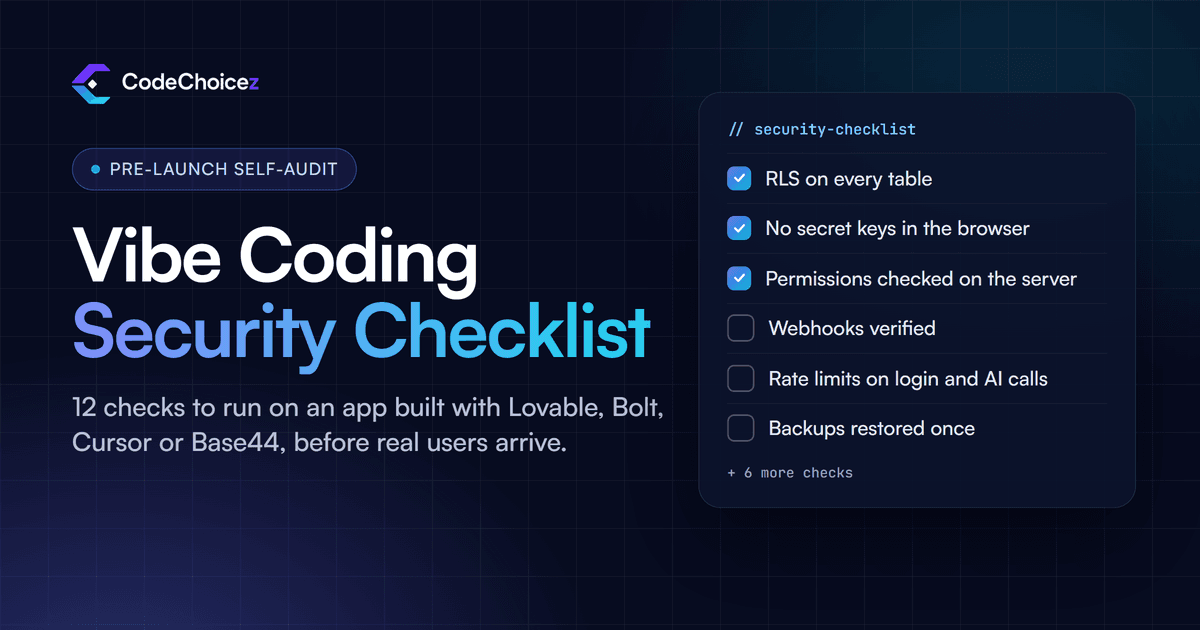
This checklist is for founders and small teams who built an app with Lovable, Bolt, Cursor, Base44 or a similar AI tool and want to check it before real users and real data arrive. It lists the twelve problems we find most often when we review AI-built apps, roughly in order of the damage they do. For each one it shows how to check it yourself and what the fix looks like. Most checks take minutes. You will need access to your database dashboard and to your app's code or hosting settings.
If you want the background first (what vibe coding is, why AI-generated code fails in these particular ways and what a full audit covers), read our complete guide to auditing a vibe coded app. This page is the hands-on part.
Before you start: test like an attacker
An app can pass every click-through test and still leak data, because attackers do not use your interface. They call your database and your API directly, using whatever keys your app sends to the browser. So for every check below:
Create two test accounts, A and B, and try to read or change B's data while signed in as A.
Try the same requests while signed out.
Open your browser's developer tools, watch the Network tab while you use the app, and replay requests with the IDs changed.
If you cannot confidently tick an item, treat it as a finding.
1. Row-level security is on for every table
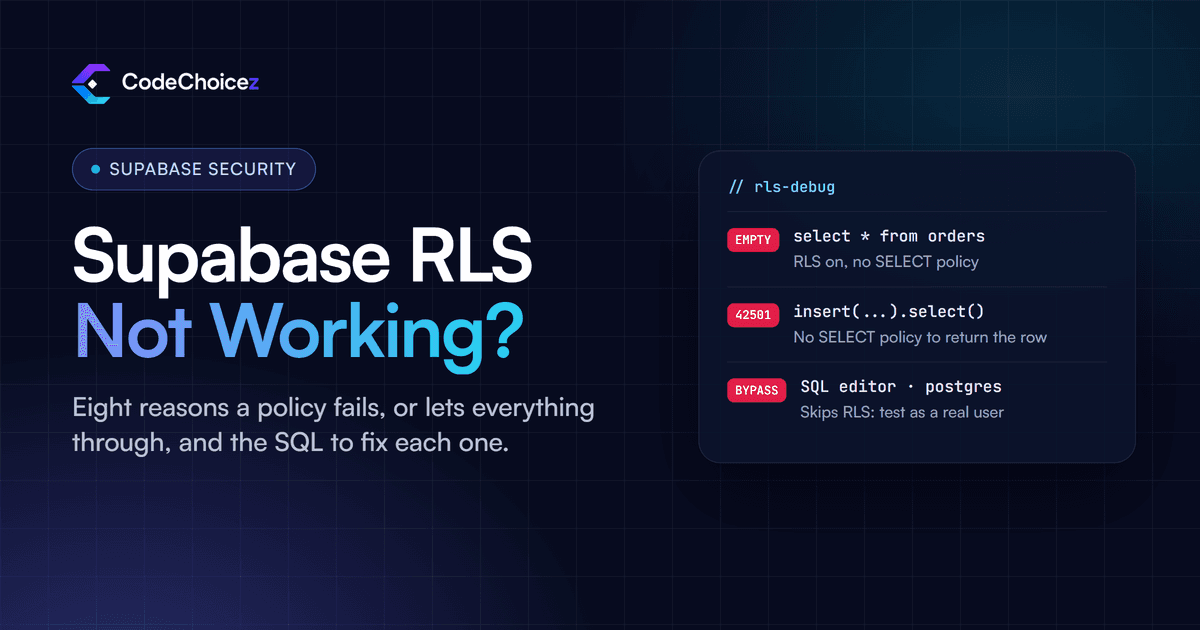
This is the most common serious flaw in AI-built apps, and the most damaging. If your app uses Supabase, every table in the public schema can be reached through Supabase's API with the key your app gives to every visitor. Until row-level security (RLS) is enabled and a policy is written, anyone holding that key can read and write every row. Tables created in the Supabase Table Editor get RLS switched on automatically; tables created with SQL, which is how many AI tools create them, do not.
How to check: open the SQL editor in Supabase and run:
select tablename, rowsecurity
from pg_tables
where schemaname = 'public';
Any row where rowsecurity is false is an unprotected table. The Security Advisor in the Supabase dashboard flags the same problem.
Fix: run alter table your_table enable row level security; for each one, then add policies (check 2). Enabling RLS without any policy blocks all access through the API, so do both together. Supabase's row-level security guide has examples.
2. Policies limit each row to the right people
RLS that is switched on but paired with a policy such as using (true) protects nothing, because it lets every request through. AI tools often write exactly that to make an error message go away.
How to check: list your policies in the SQL editor:
select tablename, policyname, cmd, qual, with_check
from pg_policies
where schemaname = 'public';
Look for true in the qual column on anything that is not meant to be public, and for insert or update policies with an empty with_check. Then test: signed in as account A, request account B's rows through the API. You should get nothing back.
Fix: tie rows to the signed-in user, for example using ((select auth.uid()) = user_id), and add a with check clause to insert and update policies so nobody can write rows that belong to someone else.
3. No secret keys in the browser
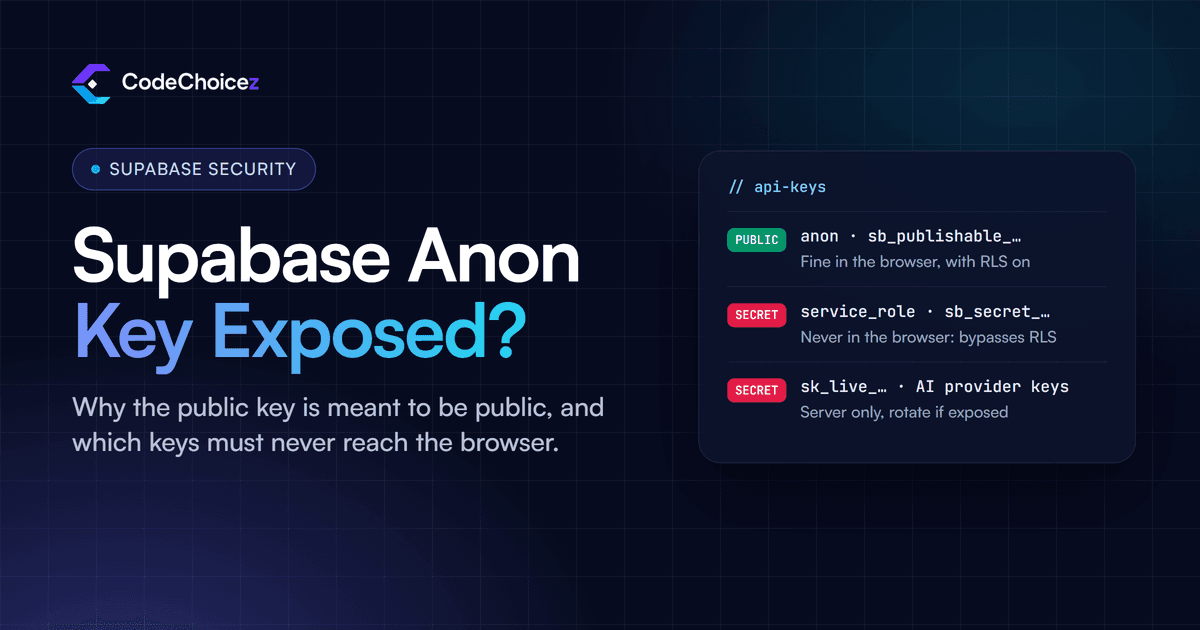
Anything your front end can read, a visitor can read. Supabase's publishable (anon) key is designed to be public, but only because RLS does the protecting. The secret key and the older service_role key bypass RLS completely: if either one reaches the browser, every table is open, whatever policies you wrote. The same applies to Stripe secret keys, AI provider keys and email or SMS provider keys.
How to check: open your live site, load the JavaScript files in the developer tools and search them for service_role, sb_secret, sk_live, sk_test and the word secret. Then check your environment variables: in Next.js anything starting with NEXT_PUBLIC_, and in Vite anything starting with VITE_, is bundled into the code the browser downloads.
Fix: move the call that needs the secret into a server route or edge function, keep the key in server-only environment variables, and rotate any key that was ever exposed. Deleting it from the code is not enough, because someone may already have a copy. See Supabase's guide to API keys; our guide to the Supabase anon key explains which keys are meant to be public and how to keep secrets out of the browser.
4. Permissions are checked on the server
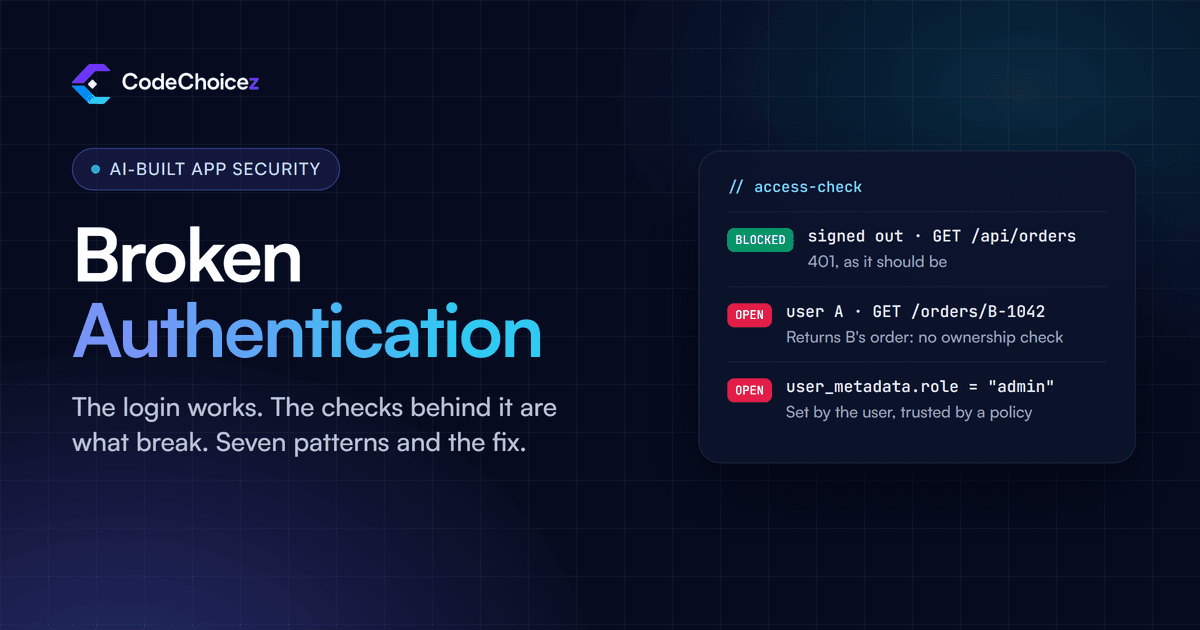
A missing Delete button is not access control. AI-generated apps often hide admin features in the interface while the API behind them accepts the request from anyone. Being signed in is not the same as being allowed.
How to check: list every API route, server action and edge function. For each one, confirm that it rejects requests without a valid session, and that it checks the signed-in user owns, or may act on, the record named in the request. Then test it: copy a request from the Network tab, change the record ID to one that belongs to account B, and send it again as account A.
Fix: verify the session and the ownership at the start of every handler, on the server, and return an error when either check fails.
5. Roles are not stored where users can edit them
Many apps decide who is an admin by reading a role field. If that field lives somewhere the user can write to, anyone can promote themselves. In Supabase, user_metadata (the raw_user_meta_data column) can be changed by the signed-in user through the normal client library, and Supabase's own documentation warns against using it in policies or permission checks.
How to check: search your code and policies for user_metadata, and for role, plan or credit fields on tables that users are allowed to update.
Fix: keep roles in app_metadata, which users cannot change, or in a separate table that only the server can write to.
6. Views and database functions do not bypass your rules
By default, a Postgres view checks permissions as the role that created it, not as the person querying it. A view built on top of a protected table can therefore expose every row. Database functions marked security definer behave the same way.
How to check: the Security Advisor in Supabase lists views that bypass RLS. Also search your migrations for create view and security definer.
Fix: on Postgres 15 and later, make a view respect RLS with alter view your_view set (security_invoker = true);, and use security definer functions only where you have a clear reason and the function checks permissions itself.
7. Storage buckets are private where they should be
Uploaded files such as ID documents, invoices and profile photos often end up in a public bucket because that made the first demo work. Anyone with a file's link can then open it, and links get shared, logged and guessed.
How to check: in Supabase Storage, note which buckets are marked public and what kind of files each one holds.
Fix: keep anything personal in a private bucket with policies that tie each file to its owner, and hand it out through short-lived signed URLs.
8. Input is validated on the server, and prices never come from the browser
AI tools usually put validation in the form, which stops honest users from making mistakes and stops nobody else. Anyone can send a request directly with a negative quantity, a price of one cent, another user's ID or a huge file.
How to check: find every place your server accepts data and ask what happens if a field is missing, negative, enormous or belongs to someone else. Pay special attention to money: if the browser sends the price or the total, that is a finding.
Fix: validate on the server (a schema library such as Zod keeps this short), work out prices and totals on the server from your own data, use parameterised queries, and limit upload types and sizes.
9. Login, sign-up and AI features are rate-limited
Without limits, someone can try thousands of passwords, create thousands of fake accounts or call your AI feature in a loop. That last one is a particular risk for AI-built apps: every request to an AI provider is billed, so an open endpoint can run up a large bill overnight.
How to check: send the same login, sign-up, password-reset or AI request twenty times in a row. If nothing slows you down, there is no limit.
Fix: add per-user and per-IP limits on those endpoints, require sign-in for anything that calls an AI model, and set a spending limit with your AI provider where it offers one.
10. Payments are confirmed by verified webhooks
A common shortcut is to unlock paid features when the customer reaches the "payment successful" page. Anyone who knows that address can open it. The other common gap is a webhook endpoint that accepts any request without checking that it really came from the payment provider.
How to check: find where your app marks a user as paid. It should happen only in the webhook handler, and that handler should verify the signature on every event. Also work out what happens when a webhook arrives late, twice or not at all.
Fix: grant and remove access only from verified webhook events, make the handler safe to run twice for the same event, and follow Stripe's guide to verifying webhook signatures. Other payment providers work the same way.
11. Every dependency is real, maintained and free of known vulnerabilities
AI tools sometimes suggest packages that do not exist, and attackers have started publishing malicious packages under exactly those invented names. Other suggestions are packages that were abandoned years ago.
How to check: run npm audit (or your package manager's equivalent), and look up any package you do not recognise on its registry page: who publishes it, when it was last updated and how widely it is used.
Fix: remove anything unknown or unmaintained, update packages with known vulnerabilities, and commit your lock file so every build installs the versions you checked.
12. Backups exist and have been restored at least once
A backup nobody has restored is a hope, not a plan. AI-built apps often go live on a free database plan with limited backups, and with no backup at all for uploaded files.
How to check: find out how often your database is backed up and how far back you can go, then restore a backup into a separate project and confirm the data is really there.
Fix: choose a plan or tool with the backup frequency your business needs, write down the restore steps, and test them before you need them.
Also worth a look
HTTPS everywhere, with security headers such as
Strict-Transport-Security,Content-Security-PolicyandX-Content-Type-Options.Error messages that tell users something went wrong without showing stack traces, SQL or internal IDs.
Account deletion that really removes what your privacy policy says it removes.
Logs that would let you see an attack after it happened.
What a self-audit cannot catch
This checklist finds the problems a careful founder can find alone. It will not find everything. A permission check with inverted logic, a policy that holds on one table but leaks through a join, a token with more access than it needs, or a payment flow that breaks only when two events arrive out of order usually takes someone who reads the code and tests it the way an attacker would.
If your app takes payments, stores personal data or is about to get real traffic, treat this checklist as a first pass. Our vibe coded app audit is a fixed-price review of apps built with AI tools: $149, back in 48 hours, with a fix for every finding. For apps built any other way, see our code audit service.
Frequently asked questions
Can I audit my own vibe coded app?
Yes. The twelve checks above cover the problems behind most real incidents in AI-built apps, and most take minutes. What a self-audit misses are the subtle cases, so it works best as a first pass before a professional review.
What is the most important check?
Row-level security on every table (check 1), together with policies that actually restrict access (check 2). Without them, anyone with your app's public key can read your users' data.
Is it safe that my Supabase anon key is visible in the browser?
Yes. That key is meant to be public, as long as RLS is enabled with proper policies on every table. The keys that must never reach the browser are the secret and service_role keys, which bypass RLS.
How do I run a security audit on an app built with a no-code or AI tool?
Work through this list in order and test the way a stranger would: signed out, with a second account, and by calling your API directly instead of clicking through the interface. Fix each finding, then repeat the test to confirm the fix worked.
When should I pay for a professional audit?
Before launch if the app handles payments or personal data, before a big marketing push, and before you raise money or sell the product.
- vibe coding
- security checklist
- supabase
- AI-generated code
Built your app with AI? Have it checked.
We review apps built with Lovable, Base44, Bolt or Cursor the way an attacker would, and give you a fix for every finding.