
Broken Authentication in AI-Generated Code: How to Find and Fix It
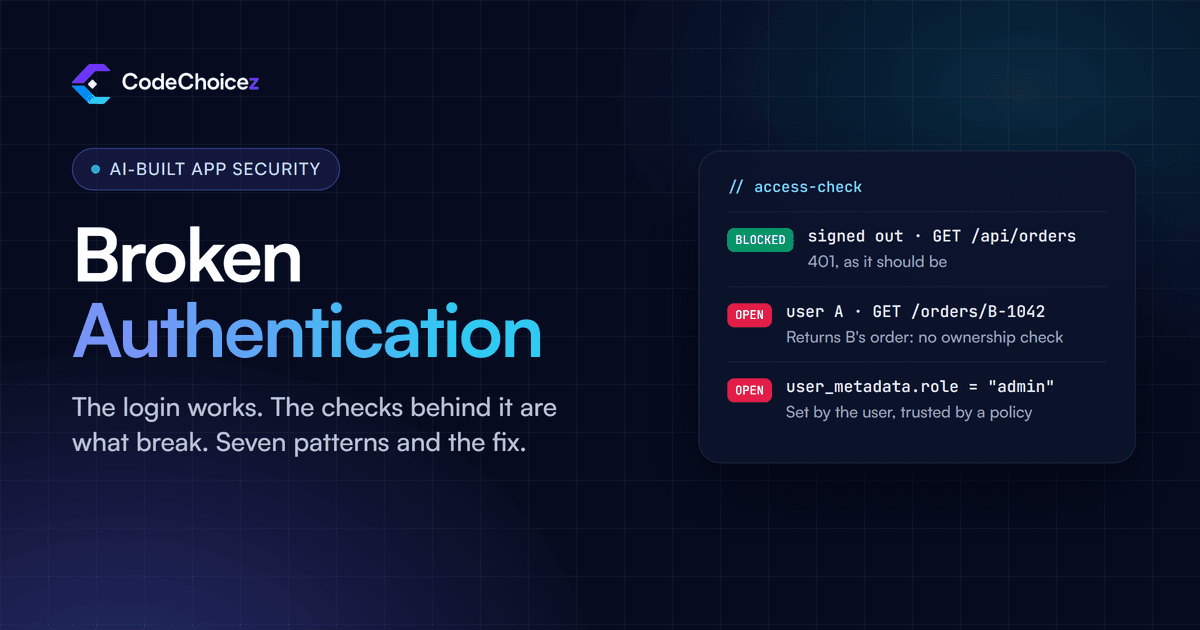
Broken authentication in AI-generated code is rarely a missing login screen. The login works. What fails is the checking behind it: pages that are hidden but not protected, API routes that never ask who is calling, records that any signed-in user can open, and roles that users can change for themselves. The test is simple: sign out, or sign in as a second user, and send the same requests your app sends. Anything that still works when it should not is broken. Below are the seven patterns we look for first in apps built with tools such as Lovable, Bolt, Cursor and Replit, how to test for each one, and how to fix it.
Two different checks: who you are, and what you may do
Authentication answers "who is this?" Authorization answers "may this person do this, to this record?" Both matter, and they fail differently. The OWASP Top 10:2025, the standard list of web application risks, has Authentication Failures at number 7 and Broken Access Control, the authorization side, at number 1.
AI-built apps usually get authentication roughly right, because a provider such as Supabase Auth, Firebase Authentication or Clerk does the hard part. Authorization is where they break, because the rules are specific to your app, and nobody wrote them down in the prompt.
Why AI tools get this wrong
An AI tool tests the way a demo runs: one user, signed in, clicking through the screens it just built. It never plays a second customer or a stranger with a copy of your API address, so it never finds out that its checks only exist in the interface. And when a permission error blocks a feature, the quickest way to make the error disappear is to loosen the check, which is exactly what the tool is being asked to do.
The seven patterns, and how to test for each
1. Pages hidden in the interface, not protected on the server
The admin link only appears for admins, so the admin area looks protected. But the page, and the API calls behind it, work for anyone who types the address. Test: sign in as an ordinary user, or not at all, and open the admin URLs directly. Fix: every page and every API call checks the user's permissions on the server. Hiding a button is a convenience, not a lock.
2. API routes and server actions that never check who is calling
An endpoint that returns customer data assumes the caller is signed in because the page that uses it is. Nothing makes that true. In Next.js, server actions are reachable endpoints too, and the Next.js production checklist says to verify authentication and authorization inside each action rather than relying on page-level checks. Test: call each route with no session cookie, for example with curl. Fix: check the session inside every route and action, ideally in one shared, server-only data-access module that every query goes through.
3. Checking that someone is signed in, but not that the record is theirs
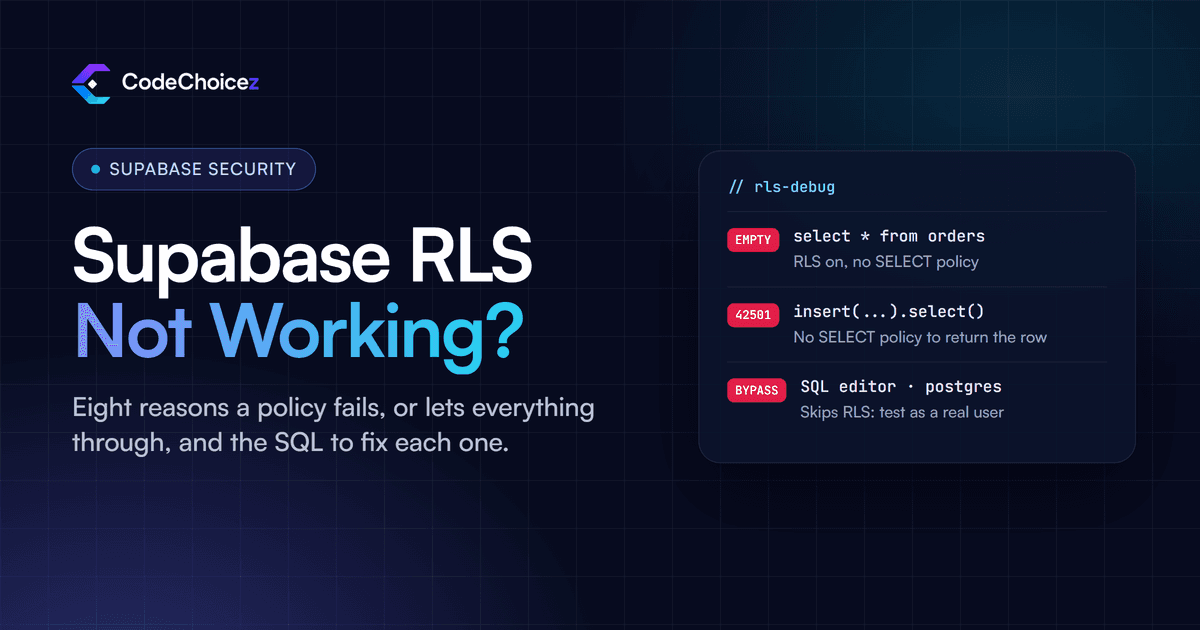
This one does the most damage and is easy to miss: /api/invoices/1043 returns invoice 1043 to any signed-in user, so customer A can read customer B's invoices by changing the number. Test: with two test accounts, copy a record ID from account B and request it while signed in as account A; do the same for updates and deletes. Fix: every query that touches a record also checks ownership, either in the server code or, on Supabase, in a row-level security policy built on auth.uid(). If your Supabase policies look right but still let data through, the usual reasons are covered in why Supabase RLS is not working.
4. Roles the user can change themselves
A role or plan stored somewhere the user can write is not a permission, it is a suggestion. On Supabase, user_metadata is meant to be edited by the user: anyone signed in can run updateUser({ data: { is_admin: true } }) from the browser. Supabase's own database linter rates a policy that reads user_metadata as an error, "security policy relies on user-editable data". The Firebase equivalent is a role field in the user's own Firestore document that the security rules let them update. Fix: keep roles where only your server can write them: app_metadata on Supabase, custom claims set through the Admin SDK on Firebase, or a roles table that ordinary users cannot change.
5. Trusting the session without verifying it
On the server, the session usually arrives in a cookie, and anyone can edit their own cookies. Supabase's guide for Next.js warns about exactly this: getSession() loads the session from storage without checking it with the auth server, so its user object should not be trusted for authorization. Use getClaims(), which verifies the token, or getUser(), which asks the auth server:
// Server code: do not decide access from this
const { data: { session } } = await supabase.auth.getSession()

// Verify the token instead
const { data } = await supabase.auth.getClaims()
const userId = data?.claims?.sub
The same rule applies to any setup: a token is only worth something once its signature has been checked.
6. Relying on middleware alone
Next.js middleware, renamed Proxy in Next.js 16, is a convenient place to redirect signed-out users, and AI tools love it. The Next.js documentation is clear that it should not be your only line of defence, and that most security checks belong as close to the data as possible. In March 2025, CVE-2025-29927 showed why: a single request header let attackers skip middleware entirely on self-hosted Next.js before versions 15.2.3, 14.2.25, 13.5.9 and 12.3.5. Apps whose only check was in middleware were open. Fix: keep Next.js up to date, and repeat the permission check in the server code that reads or changes the data.
7. Edge functions and webhooks that accept anyone
Supabase Edge Functions check for a valid token by default (the verify_jwt setting), which proves only that the request carries a token for your project, not what the caller is allowed to do. On projects that still use the legacy keys, the public anon key is itself such a token. Inside the function, read the user from the Authorization header and check their permissions before doing anything. Webhooks are the opposite case: they arrive without a user token, so verify_jwt is switched off for them, and the function must verify the provider's signature, such as Stripe's Stripe-Signature header, or anyone can send it a fake "payment succeeded" event.
Sign-up, password reset and sessions
Beyond the seven patterns, check the flows that demos never exercise:
Email addresses are verified before the account can do anything that matters.
Password reset links expire and work only once.
Signing out ends the session, and changing a password signs out other devices.
Sign-in, sign-up and password reset have rate limits or a CAPTCHA, so they cannot be hammered by a script.
When a user's role is removed, their access ends too. Supabase notes that claims inside a token are not refreshed until the token is, so a removed admin can keep admin rights until then.
A twenty-minute test you can run yourself
Create two test accounts, A and B, and add some data to each.
Signed out, open every page and admin URL you know of. Anything that loads private content is a finding.
Signed in as A, open the browser's developer tools on the Network tab, use the app normally, and note the requests it makes.
Repeat those requests with B's record IDs. Try reading, editing and deleting.
On Supabase, open Advisors and look for the "RLS references user metadata" warning. On Firebase, read the rules for any collection that stores roles or plans.
Check your Next.js version against the fixed releases above.
Our vibe coding security checklist covers the other pre-launch checks, from exposed keys to backups.
How to fix it for good
Deny by default. Every route, action, function and table starts closed; access is added on purpose.
Check on the server, next to the data. One shared data-access layer, or database policies, so a new screen cannot forget the check.
Check ownership on every record, not only that someone is signed in.
Keep roles where users cannot write.
Test both directions. The right user gets in, and everyone else is refused. Automate the second half, so a later change by a developer or an AI tool cannot quietly reopen it.
How we build access control on our own projects
On Run Courier, six role-based dashboards share one Supabase backend, and row-level security makes sure each role sees only its own data, so customers never see driver pay and drivers never see customer prices. On the Talent Acquisition platform, seven user roles sit on Supabase with row-level security. On BeanFlow, users sign in with passkeys and Firestore security rules keep each customer's data separate down to the location. The pattern is the same each time: the interface shows what a role should see, and the server enforces it.
Frequently asked questions
What is broken authentication?
Any flaw in how an app confirms who a user is or decides what they may do, so that the wrong person can reach data or actions. In practice it covers both weak sign-in and session handling and missing permission checks.
Is hiding a page or button enough to protect it?
No. Anyone can call the address directly. Every protected page, API route, server action and function has to check permissions on the server.
Can I store user roles in Supabase user_metadata?
Not for anything that grants access. Users can change their own user_metadata. Use app_metadata, which only your server can set, or a roles table with policies that stop users editing it.
Is Next.js middleware enough to protect my app?
No. It is useful for redirects, but the Next.js documentation says it should not be the only check, and CVE-2025-29927 showed it can be bypassed on unpatched versions. Check permissions where the data is read and changed.
How do I know if my AI-built app has broken authentication?
Run the twenty-minute test above with two accounts and a signed-out browser. If you would rather not do it alone, or the app takes payments or holds personal data, get the whole app checked: our audit tests every route, function and policy as a stranger and as a second user.
- authentication
- access control
- supabase
- next.js
- vibe coding
Built your app with AI? Have it checked.
We review apps built with Lovable, Base44, Bolt or Cursor the way an attacker would, and give you a fix for every finding.