
Supabase "RLS Disabled in Public": What It Means and How to Fix It
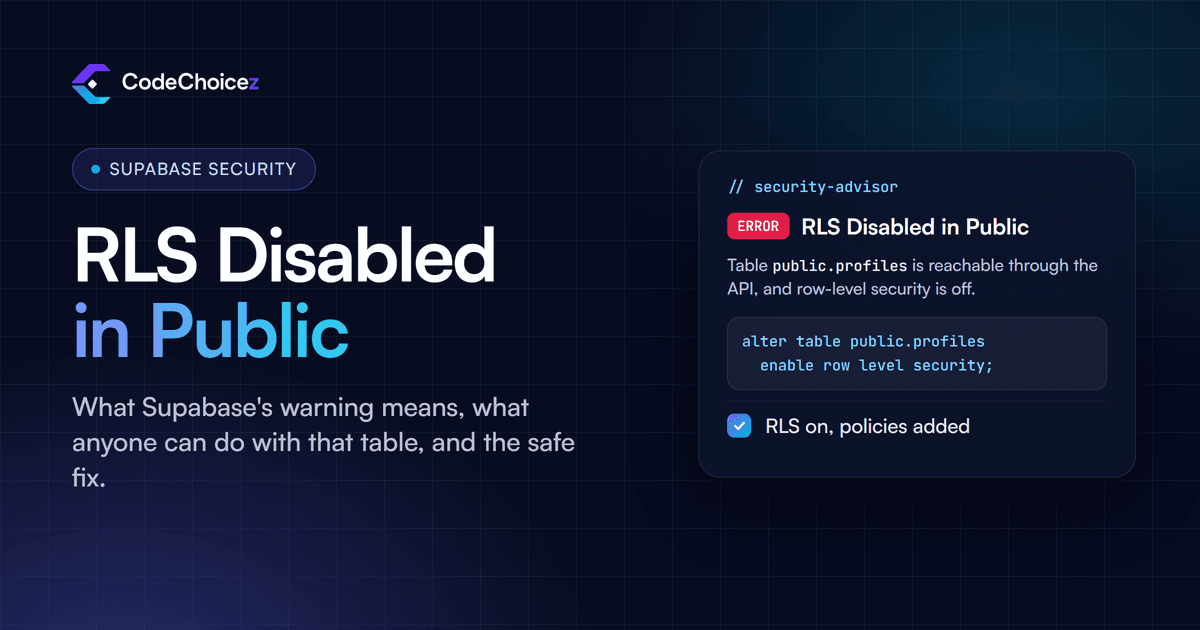
"RLS Disabled in Public" is an error from Supabase's Security Advisor. It means a table in your public schema has row-level security (RLS) switched off, so anyone who has your project's URL and public key can read, add, change and delete every row in it through Supabase's API. Both of those values are in your app's JavaScript, so in practice that means anyone who opens your site. The fix is to enable RLS on the table and add policies for the access you actually want. It takes a few minutes, and it should not wait.
What the warning means
Supabase turns every table in the public schema into an API endpoint automatically. That is what lets your front end talk to the database directly. Row-level security is the lock on those endpoints: with RLS on, each request only reaches the rows a policy allows. With RLS off, there is no lock.
Supabase's own linter rule, 0013 "RLS Disabled in Public", is rated ERROR, the highest level, and says it plainly: if RLS is not enabled on a public table, anyone with the project's URL can create, read, update and delete rows in it, which it calls "a critically unsafe configuration".
You usually meet this warning in the Security Advisor in the Supabase dashboard, or in the security checks that a tool such as Lovable runs before you publish.
Why your public key does not protect you
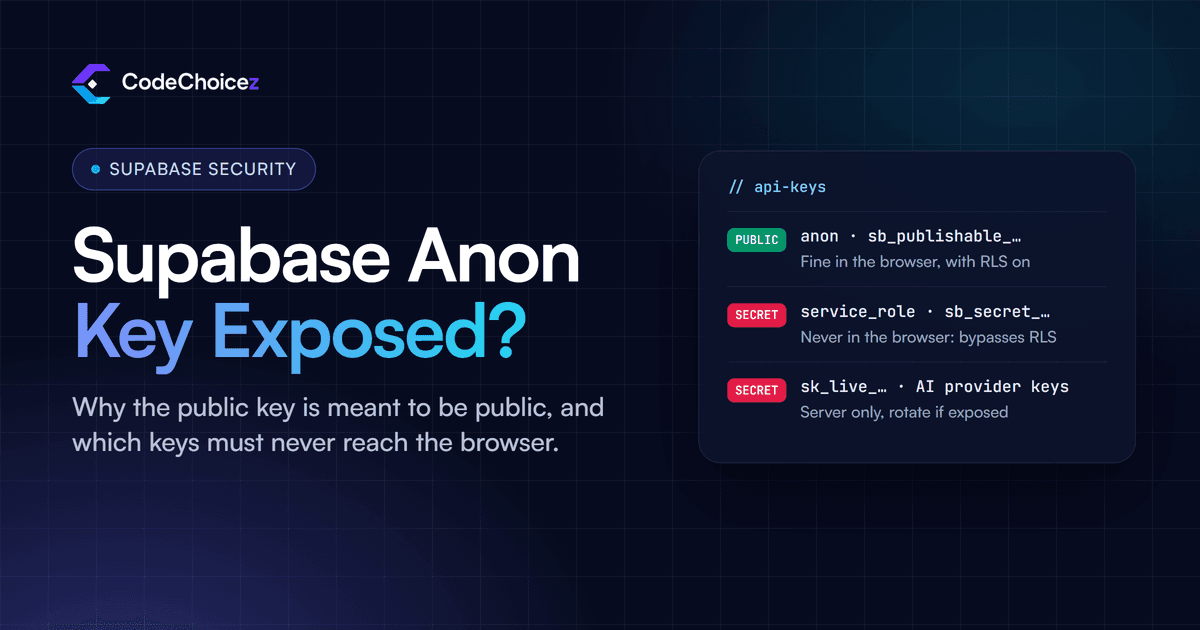
Your Supabase project has a publishable key (called the anon key in older projects), and your anon key is public by design: it ships in your front-end code, and anyone can find it in the browser's developer tools. That is fine, because the key on its own grants nothing beyond what your RLS policies allow. When RLS is off, the key opens the whole table.
The keys that must stay secret are the secret key and the older service_role key. They bypass RLS completely. Our vibe coding security checklist shows how to check that neither of them has ended up in your front end.
What someone can do with an unprotected table
Nothing clever is needed. Your app already sends requests like this one to load data; anyone can send the same request with their own filters, or with none:
curl "https://YOUR_PROJECT.supabase.co/rest/v1/profiles?select=*" \
  -H "apikey: YOUR_PUBLISHABLE_KEY"
If profiles has RLS disabled, that returns every row: names, emails, phone numbers, whatever the table holds. Swap the request for an insert, update or delete and the table can be changed too. Run it against your own project with your own key: if you get rows back while signed out, so can anyone else.
How to find every exposed table
Open Advisors in the Supabase dashboard and run the Security Advisor; each table with this problem is listed by name. To check from SQL instead, run this in the SQL editor:
select tablename
from pg_tables
where schemaname = 'public'
  and rowsecurity = false;
Every table it returns is open to the internet. Tables created in the Supabase Table Editor get RLS switched on automatically; tables created with SQL or migrations do not, which is why apps built with AI tools so often end up here.
The fix, step by step
Step 1: enable RLS on the table
alter table public.profiles
  enable row level security;
This closes the table immediately. Until you add policies, your app will not be able to read or write it through the API either, so do step 2 straight away, or in the same migration.
Step 2: add the policies you actually meant
Decide who should see and change each table, then write that down as policies. For a table where each row belongs to one user (a user_id column that holds the owner's ID):
create policy "Users read their own rows"
on public.profiles for select
to authenticated
using ((select auth.uid()) = user_id);

create policy "Users add their own rows"
on public.profiles for insert
to authenticated
with check ((select auth.uid()) = user_id);

create policy "Users update their own rows"
on public.profiles for update
to authenticated
using ((select auth.uid()) = user_id)
with check ((select auth.uid()) = user_id);
For a table that everyone may read but nobody may change through the API, such as a list of plans or published articles, add a read policy only:
create policy "Anyone can read"
on public.plans for select
to anon, authenticated
using (true);
With no insert, update or delete policy, those actions are refused. Add a delete policy only if users genuinely need to delete their own rows. The Supabase row-level security guide has more patterns, including team and role-based access.
Step 3: test as a real user, not in the SQL editor
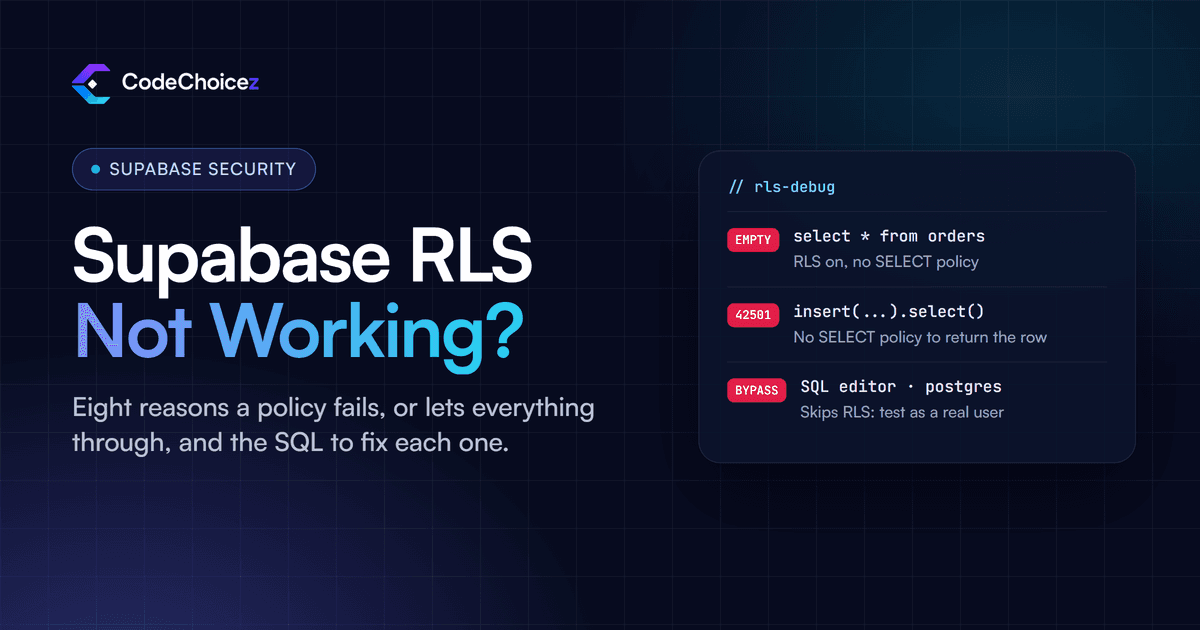
The SQL editor normally runs as an administrator role that ignores RLS, so a query that works there proves nothing about what your users can do. Test the way your app does: use the role selector in the SQL editor to run queries as anon or as a specific signed-in user, or sign in to your app with two test accounts and confirm that account A cannot see or change account B's rows. Repeat the request from the previous section while signed out; it should now return an empty list.
Why "just disable RLS" is the wrong fix
When an app breaks right after RLS is switched on, a common piece of advice (sometimes from the AI tool itself) is to turn RLS back off, or to use the service_role key in the front end so the errors go away. Both make the problem worse. Turning RLS off reopens the table to everyone. Putting the service_role or secret key in the browser hands every visitor a key that ignores RLS on every table. The errors mean the policies are missing or wrong; the fix is to write the right policies.
Stop it happening on new tables
Add
alter table ... enable row level securityto every migration that creates a table, together with its policies.Supabase documents an event trigger that enables RLS automatically on every new table in the
publicschema, and has added a one-click way to set it up in the dashboard. It only covers tables created after you install it, so fix the existing ones first.Run the Security Advisor before every release, not only when something breaks.
This is what CVE-2025-48757 was about
In March 2025 a researcher scanned 1,645 apps built with Lovable and found 303 endpoints across 170 of them with missing or inadequate RLS, which let anyone read, and in some cases change, data such as user details, API keys and payment status. The issue was published as CVE-2025-48757. Lovable disputes the CVE, on the grounds that each customer is responsible for protecting their own app's data, and the researcher's statement sets out the timeline. Either way, the lesson is the same for every AI-built app on Supabase: the tool will not always set up RLS for you, and you are the one who carries the risk.
Has someone already taken my data?
You may not be able to tell for certain. Supabase keeps API request logs for a limited period that depends on your plan; look in the logs for requests to the affected table that your app would not make, such as select=* without filters, or calls from addresses you do not recognise. If the table held passwords, tokens or API keys, rotate them. If it held personal data about people in the EU or UK, data protection law may require you to report the breach, in many cases within 72 hours of finding it, so get advice early.
Frequently asked questions
Is the anon key supposed to be public?
Yes. The anon or publishable key is designed to be visible in your front end. It is only safe because RLS limits what it can reach, which is why a table with RLS disabled is open to anyone holding it.
Can I just disable RLS?
Not on any table your app reads through the API. The only tables that can safely go without RLS are ones the API cannot reach, for example tables in a schema that is not exposed.
Why does my query work in the SQL editor but not in my app?
The SQL editor usually runs as an administrator role that bypasses RLS. Your app runs as anon or as a signed-in user, so it only gets what your policies allow. If the app gets nothing, a policy is missing or does not match.
Do I need a policy for every table?
Every table in an exposed schema needs RLS enabled. Each one then needs a policy for each action your app should be allowed to perform; actions without a policy are refused, which is the safe default.
Does fixing this make my app secure?
It closes the most common and most serious hole, but policies can still be too broad, and other problems such as exposed secret keys or missing server-side checks are separate. If you would like a second pair of eyes before launch, our vibe coded app audit checks RLS and policies on every table along with the rest of the app.
- supabase
- row level security
- RLS
- vibe coding
Built your app with AI? Have it checked.
We review apps built with Lovable, Base44, Bolt or Cursor the way an attacker would, and give you a fix for every finding.